Remove backgrounds and resize every product image to the same spec.
Cutout & Resize turns raw product shots into transparent or color-backed exports with controlled output size, margins, and alignment.
What it handles
A focused background-removal page for ecommerce delivery.
The workflow combines AI cutout, canvas resizing, and subject alignment so exports are ready for marketplaces and campaign systems.
- Background: transparent
- Margin: 10%
- Alignment: vertical/horizontal
- Output: 1440 x 1440
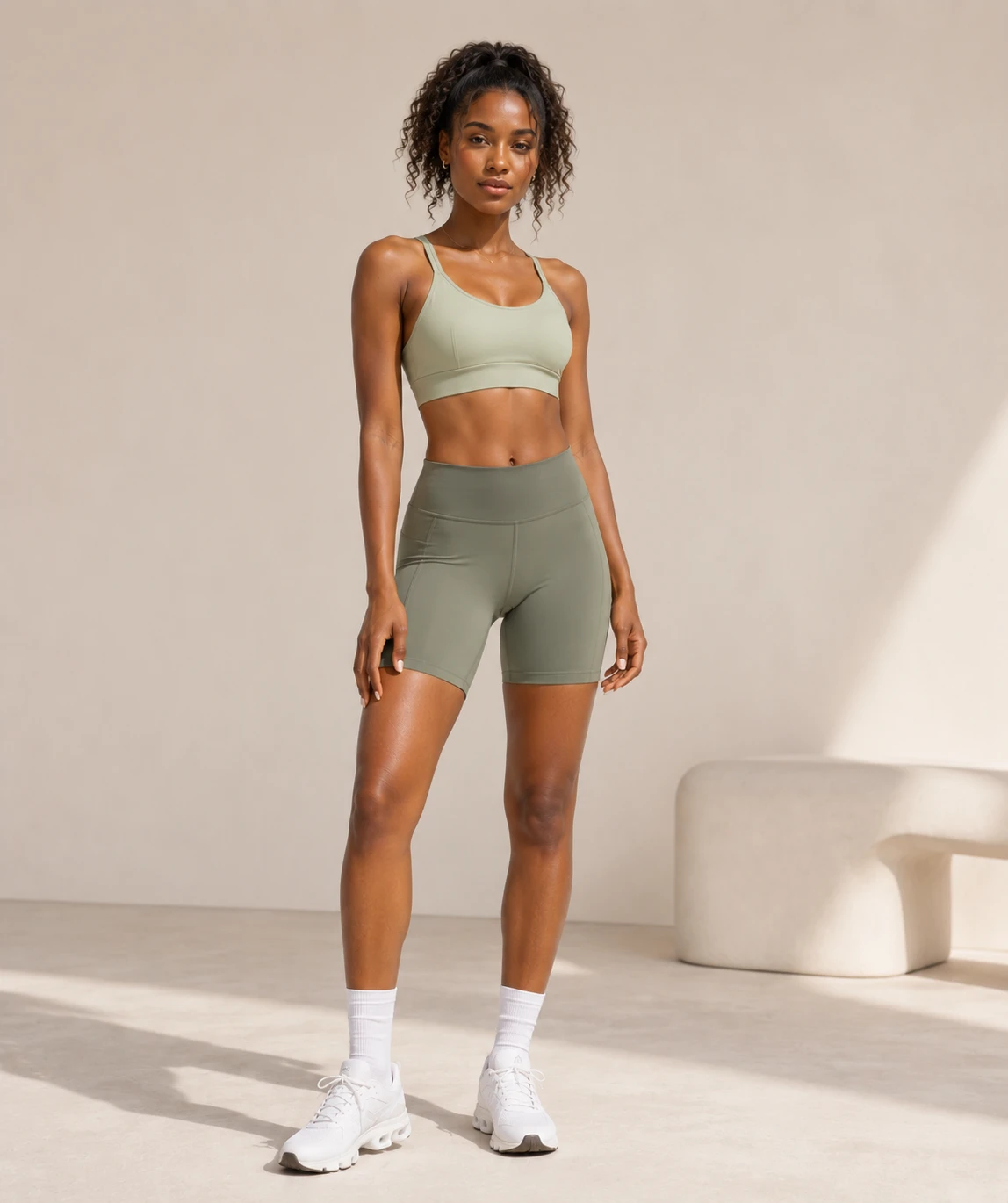
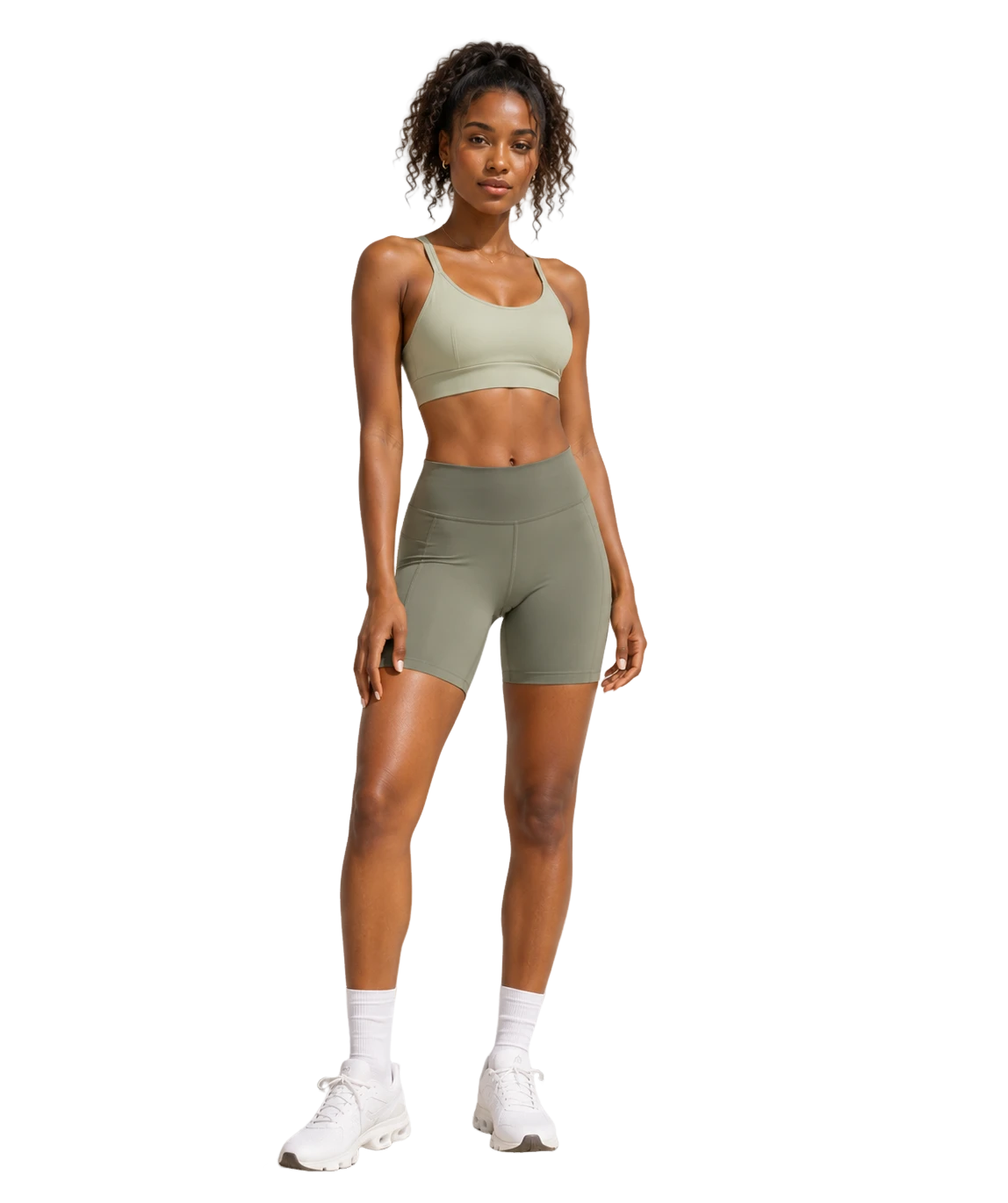 10%10%10%10%
Workflow Controls
Preview the decisions that change every export.
Switch through background removal, canvas mode, margin rules, and delivery sizes before committing the same settings to the whole batch.
AI Cutout
Maskdetecting
Subject framedetecting
How Cutout & Resize works
- 1
Upload source images
Add product shots, model photos, or catalog assets to one queue. Cutout & Resize prepares each file for the same background-removal and sizing workflow.
- 2
Review the AI cutout
Check the transparent foreground, subject frame, and mask quality before applying resize rules, so failed or weak cutouts can be retried early.
- 3
Set canvas and margins
Choose transparent or white background, set the output size, and tune horizontal and vertical margins so every subject keeps the same visual scale.
- 4
Apply and export
Apply the confirmed cutout, background, canvas, and margin setup to the full batch, then download standardized files for marketplace or campaign delivery.
Built for the marketplaces you ship to








Frequently Asked Questions
Yes. Use transparent background mode to export foreground-only PNG-style results from the processed batch.
Yes. Output width, height, margin unit, and subject alignment are part of the same workbench flow.
Yes. Preview the same cutout on a transparent checkerboard or a white canvas before applying the choice to the batch.
Set horizontal and vertical margins to keep the detected subject inside a repeatable safe area, then reuse that spacing across every export.
Yes. Review Square, Landscape, and Portrait sizes from the same verified foreground so each channel gets a consistent result.
The workbench keeps failed items in the queue so they can be retried before the final export.
Discover more Crop.Pro tools
Prepare ecommerce images faster with focused tools built for the same batch workflow.
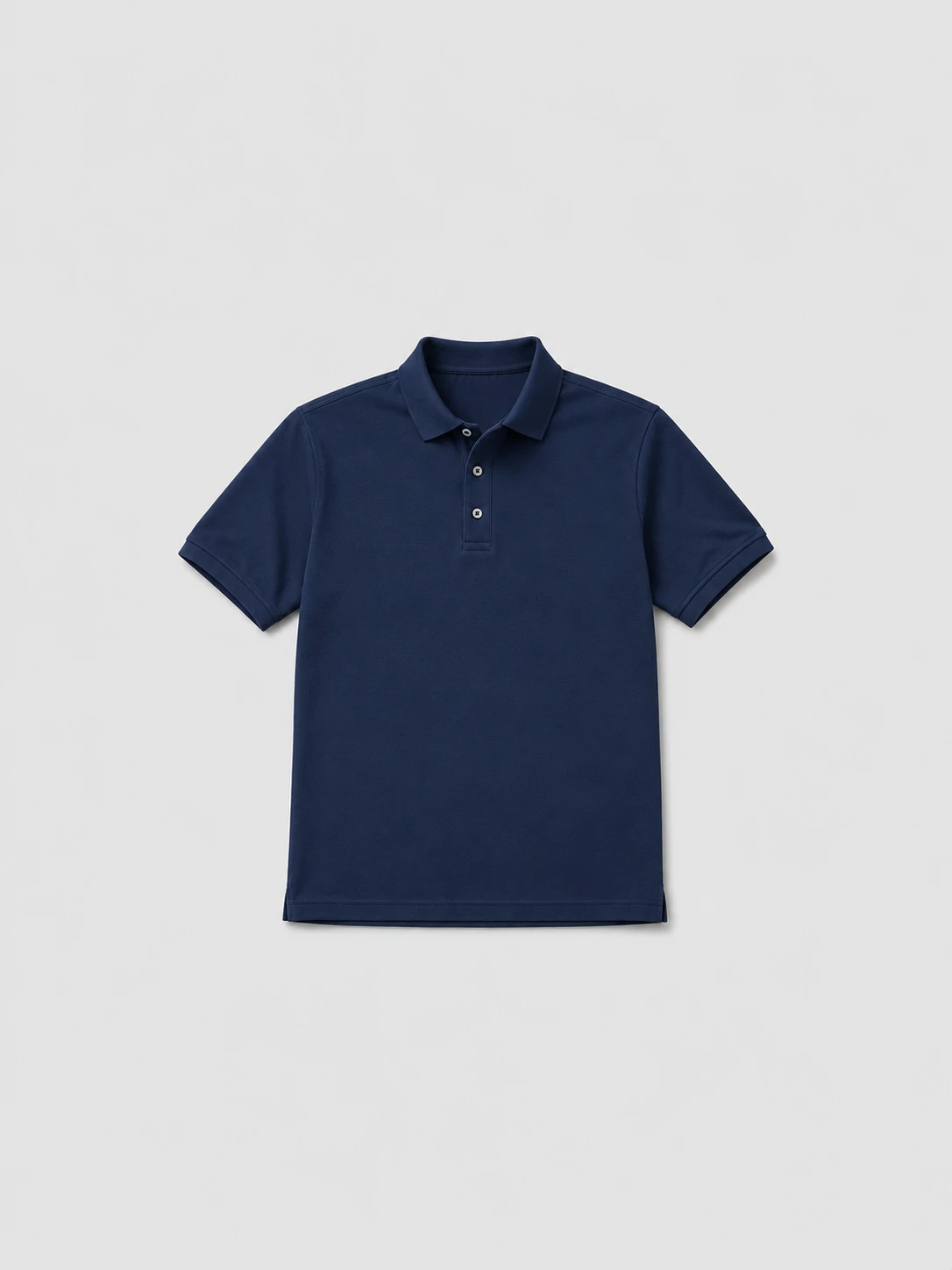 134px 160px 264px 264px
 Batch Crop
Detect product subjects, align crop margins, and export consistent marketplace-ready image batches.
Learn more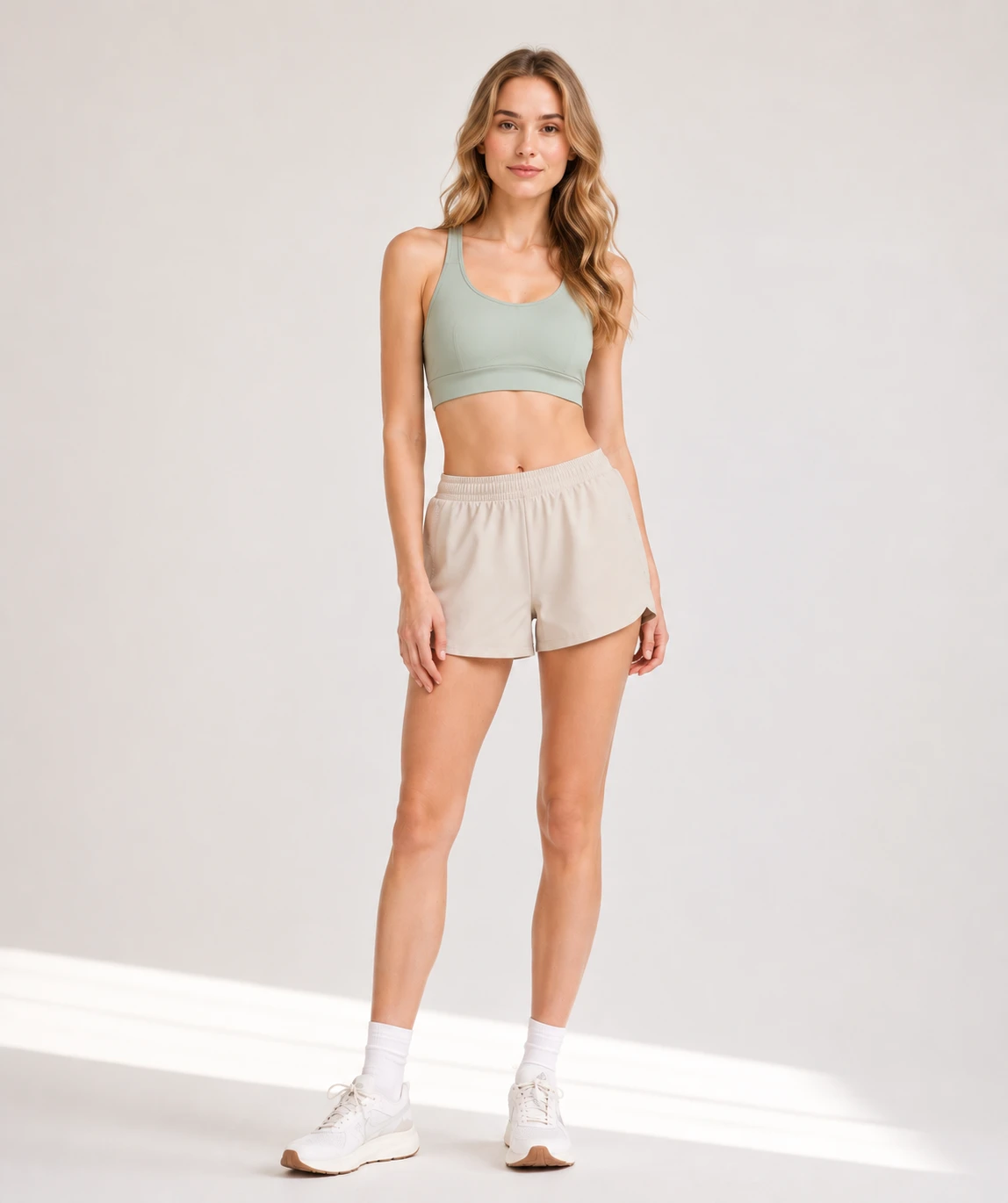
Face
Headless Face Crop
Crop model imagery from a selected face or body landmark for privacy-friendly product galleries.
Learn more