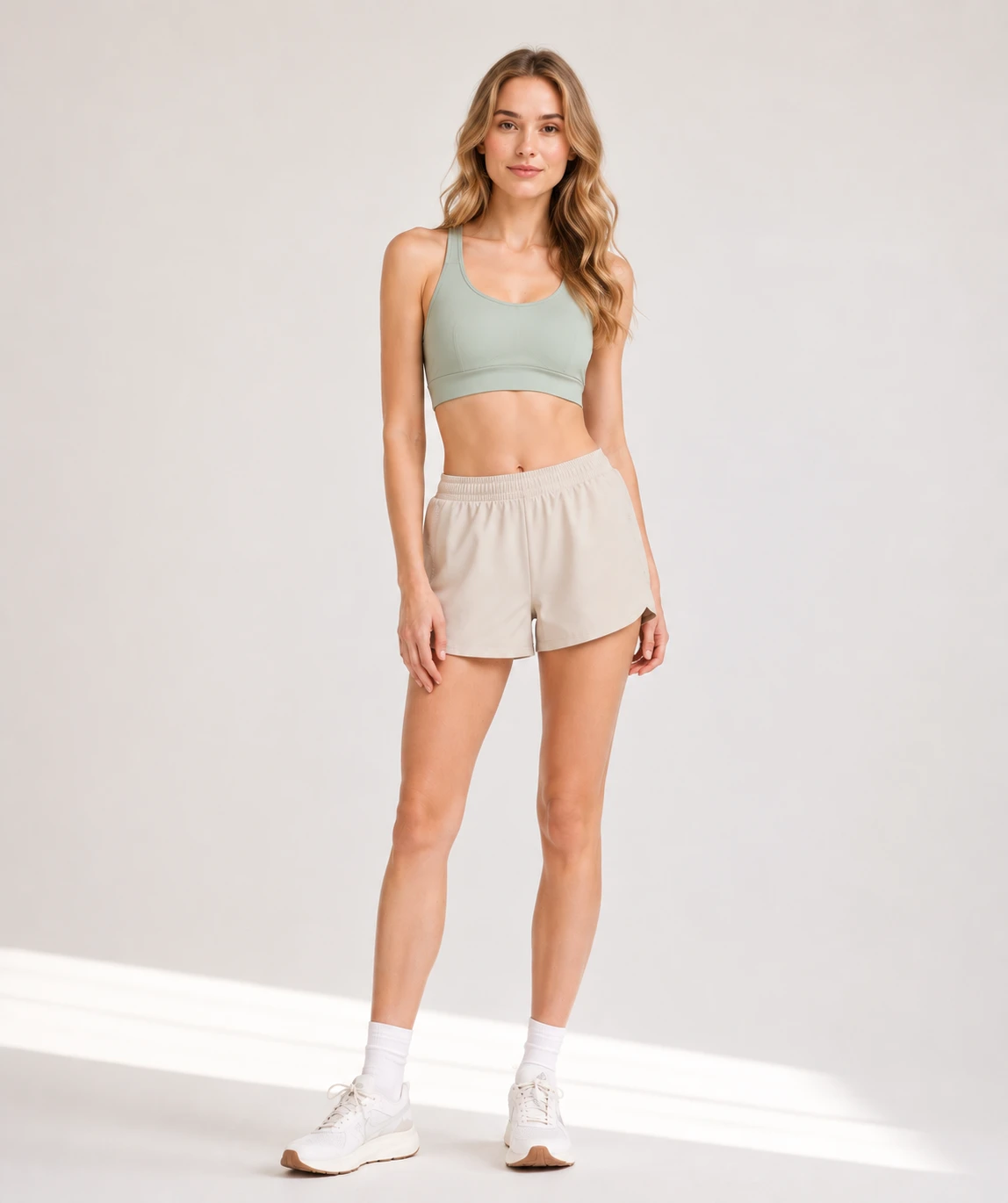
Original 1086 x 1448Output 1440 x 1440
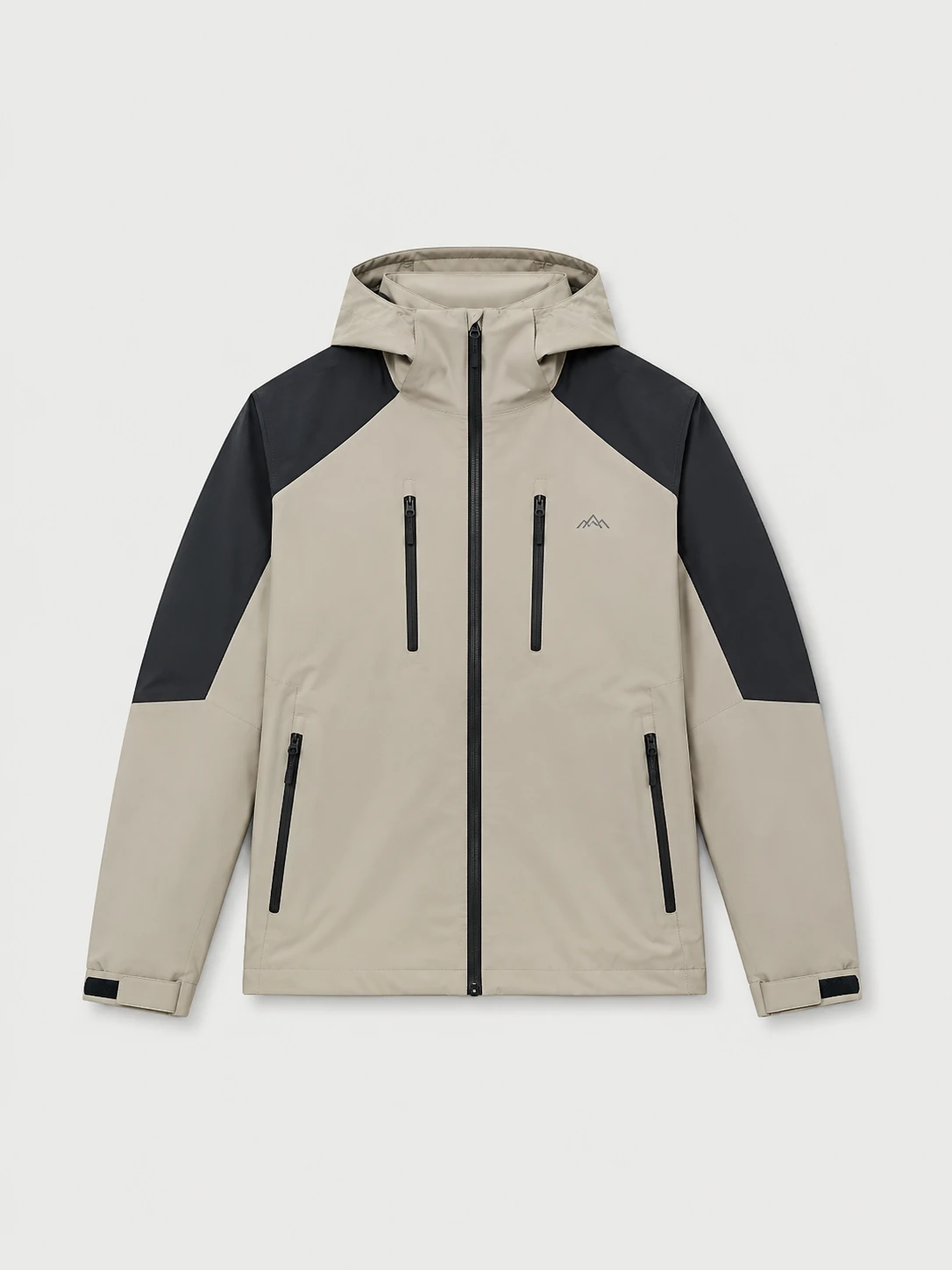
144px
120px
119px
131px
Use the mouse wheel to zoom. Hold the left mouse button and drag to pan.
Upload product images in bulk, let AI detect each subject, then use Top Edge / Bottom Edge alignment and margin controls to export consistent sizes with clean subject placement and safe space for promo labels, badges, watermarks, and campaign graphics.
Use the mouse wheel to zoom. Hold the left mouse button and drag to pan.
From subject detection and edge alignment to margin control, template reuse, and batch export, Batch Crop helps product images move faster into listings, campaigns, and design handoff.
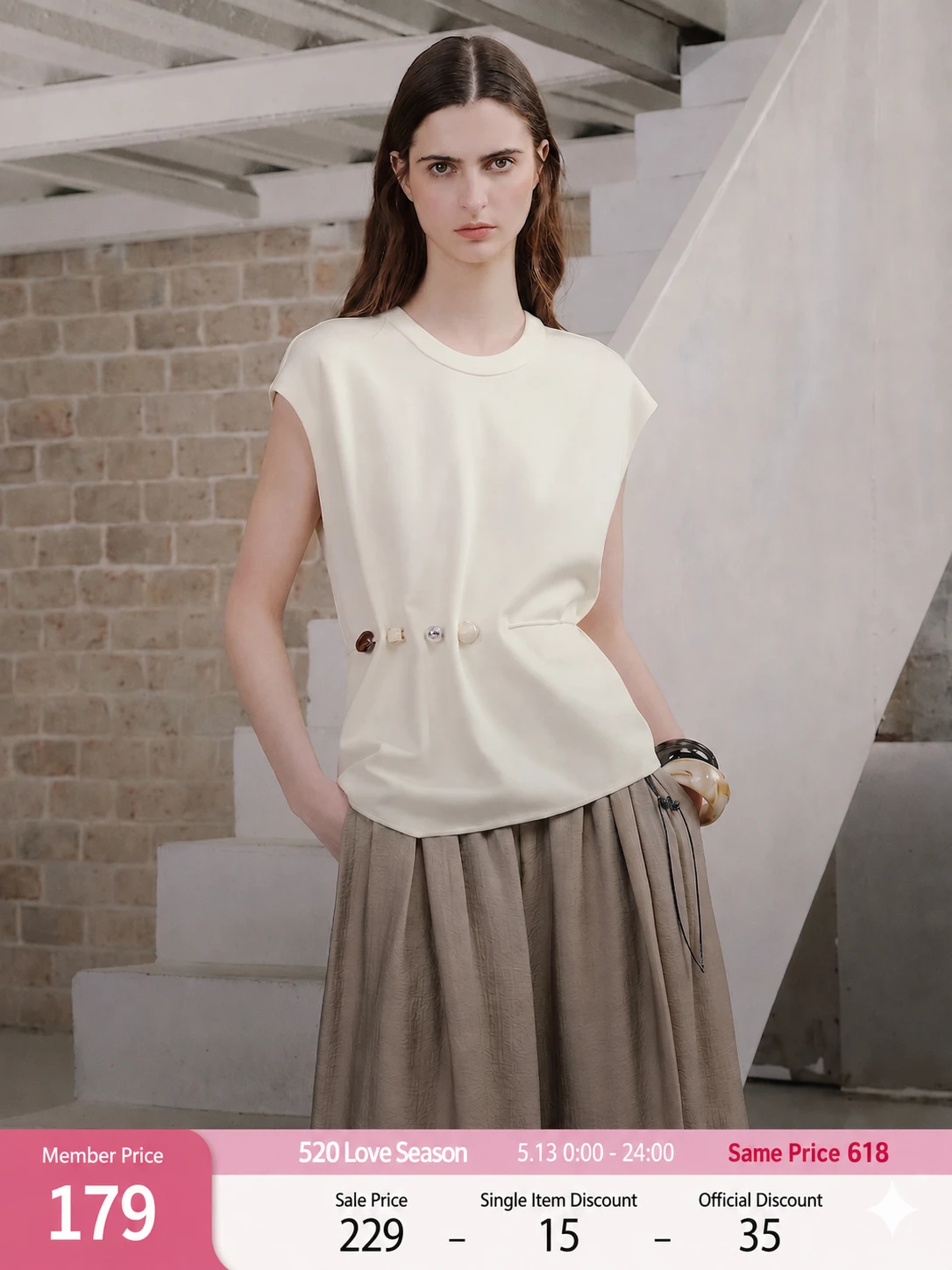
Watch the same preview move through AI subject detection, Top / Bottom Edge margin alignment, two ecommerce output templates, and logo placement.
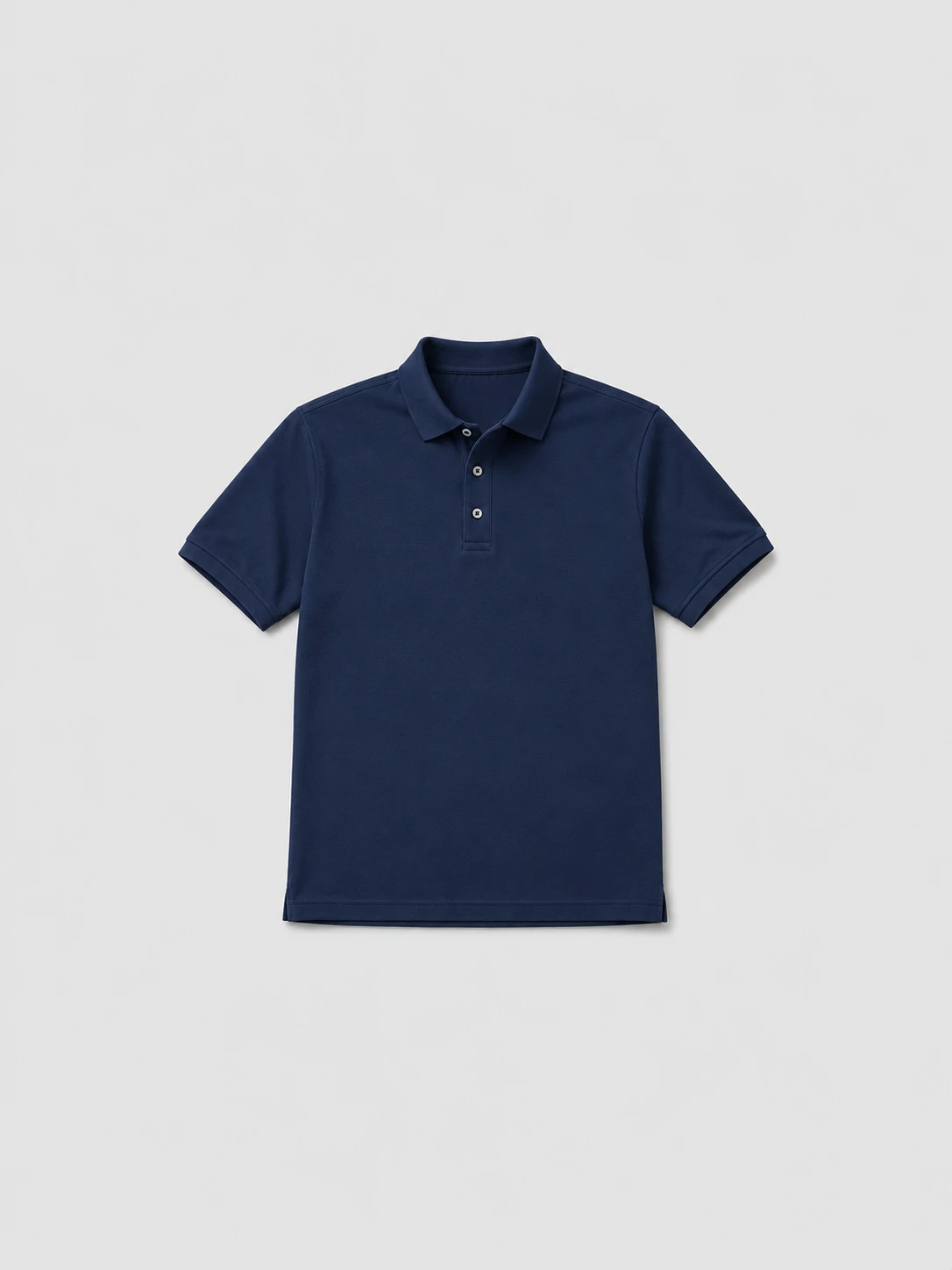
AI subject detection
Add product shots, model photos, or campaign assets to one queue. Batch Crop reads each file and prepares a preview for the same workflow.
Choose Top Edge or Bottom Edge, then set the vertical margin so every subject lands in a consistent position.
Review Square and Portrait outputs, promo-safe spacing, subject bounds, and optional logo placement before applying the setup.
Apply the confirmed crop setup to the full batch, then export production-ready images in one download.
Built for the marketplaces you ship to








Prepare ecommerce images faster with focused tools built for the same batch workflow.
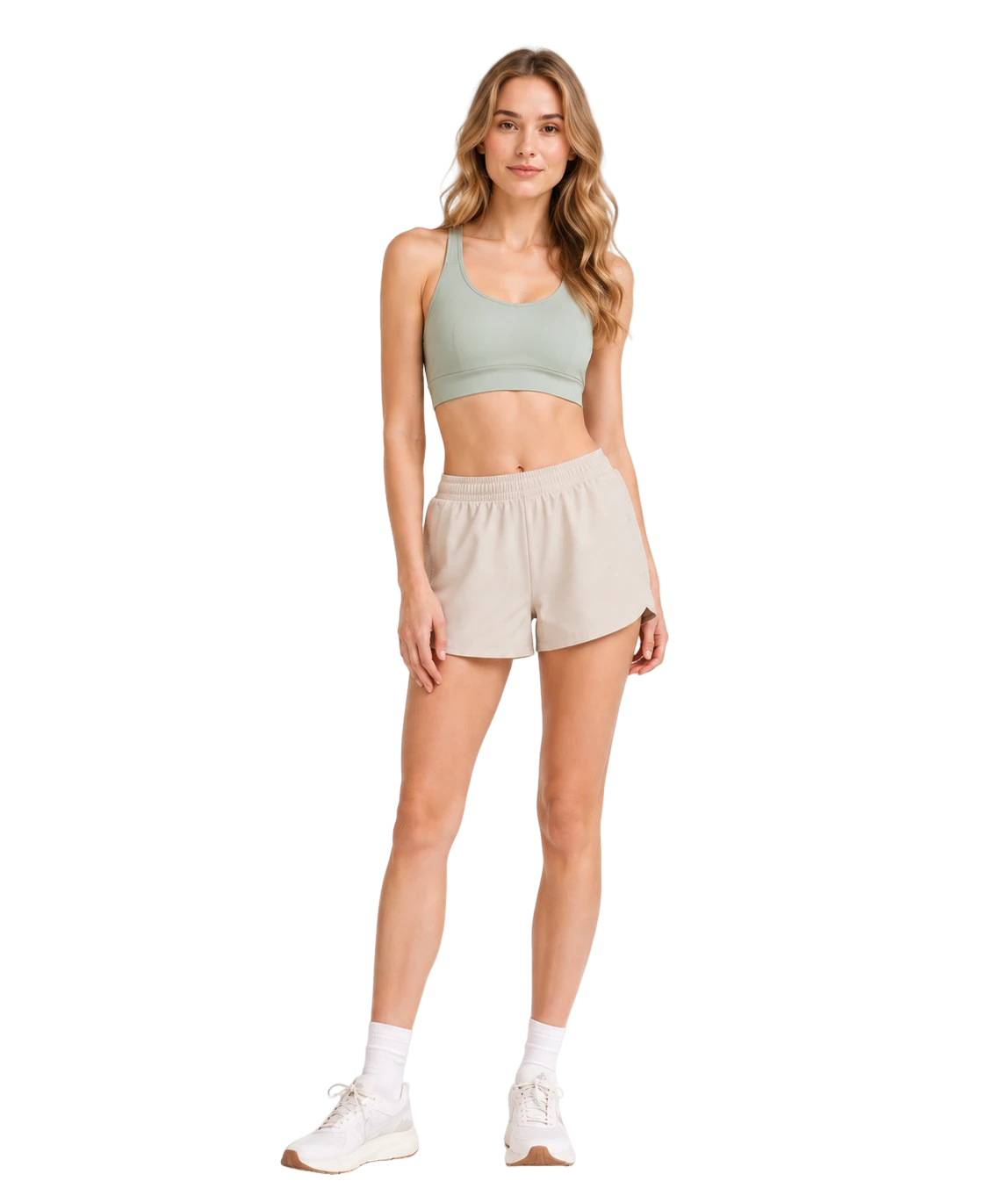
Remove backgrounds, set a clean canvas, and export consistent ecommerce-ready product visuals.
Learn moreCrop model imagery from a selected face or body landmark for privacy-friendly product galleries.
Learn more